
|
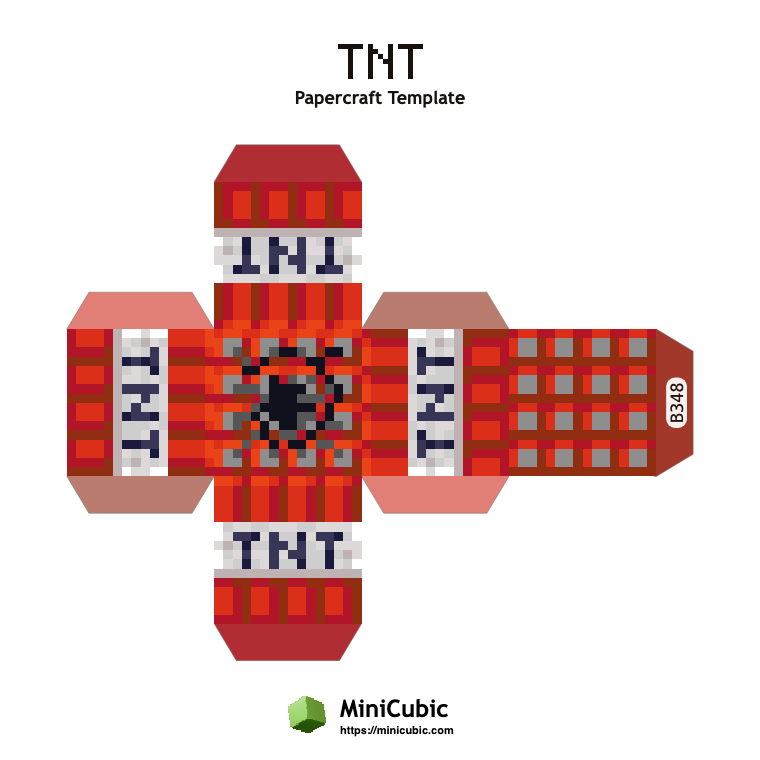
FREE PRINTABLE TEMPLATE Build a printable Minecraft TNT cube from an A4 PDF generated directly from the block textures. This utility-block template uses predominantly red artwork with different top, bottom and side textures, while every finished face measures 20mm to align with MiniCubic magnetic blocks. A4 PDF · 20mm finished faces · Ready to print TNT IN MINECRAFT TNT is an explosive block that can be primed with redstone, fire or several other in-game triggers. Its white TNT band belongs around the four side faces, while the fuse texture stays on top during assembly. Players call it excavation equipment right up until the blast reaches something they meant to keep. |
|
TWO WAYS TO BUILD THIS BLOCK
The PDF is free either way — choose a hands-on craft or a block that is ready to play.
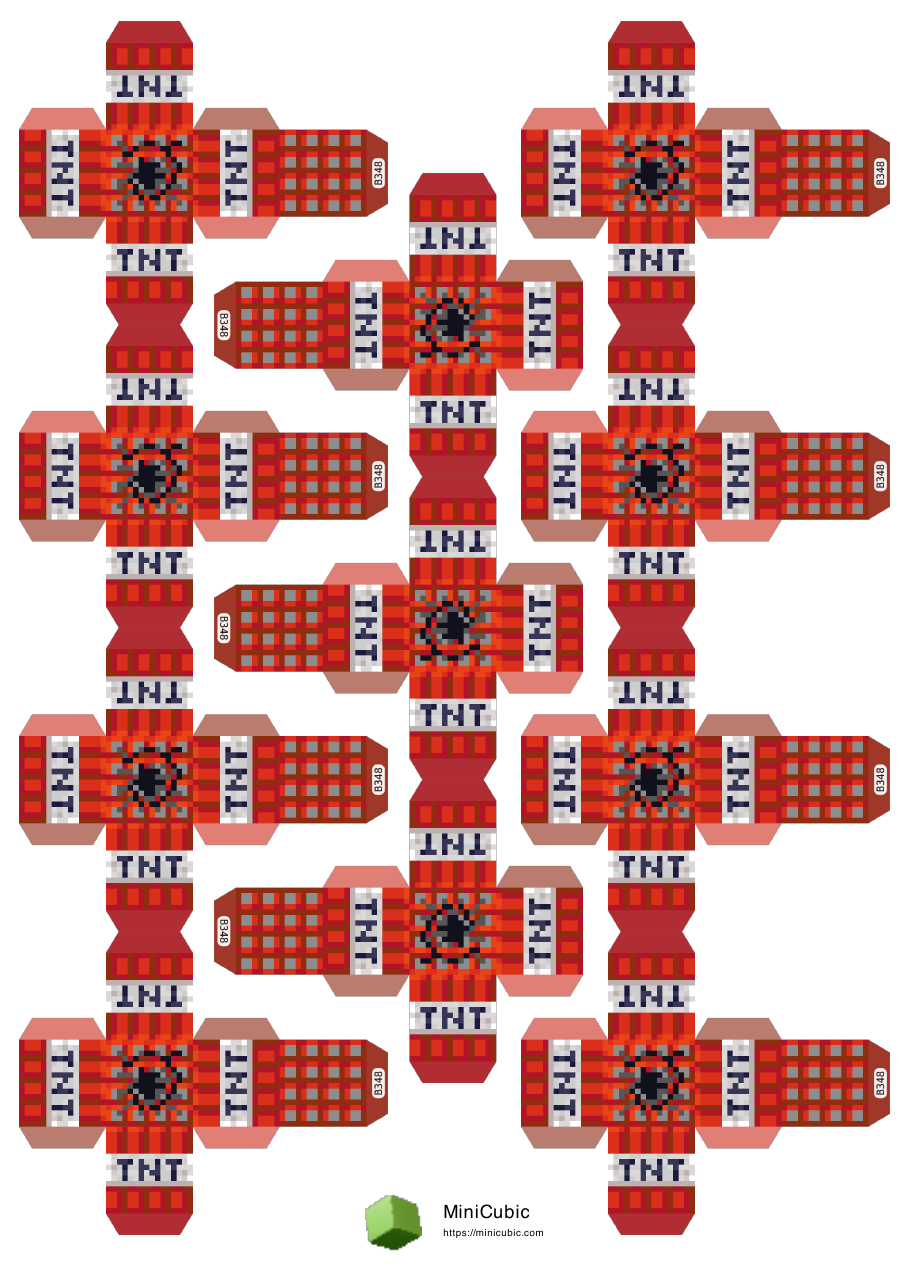
PAPER VERSION Free Print, cut, score & glue About 40 minutes to build Best for a hands-on craft session |

MAGNETIC VERSION $0.50 $0.79 Ready to play, rebuild & reuse No cutting, scoring or glue Get 10 free blocks with code PAPER10 |
ABOUT THIS TEMPLATE
| Template code | B348 |
|---|---|
| Block category | Utility |
| Block Name | TNT |
| Dominant color | Red (#a44840) |
| Finished face size | 20mm × 20mm |
PRINTING NOTES
This is a mid-tone template with moderate pixel contrast and top-bottom variation. Use color printing for the closest texture match; standard quality is sufficient for the 20mm faces.
Paper: 160–200 gsm matte cardstock works well. Keep the printer scale at 100% so the finished cube fits MiniCubic blocks.
HOW TO BUILD IT
| 01 | Download the PDF using the button above. |
| 02 | Print on A4 cardstock at 100% scale. |
| 03 | Cut along the solid outer lines. |
| 04 | Score and fold the fold lines, with tabs folded inward. |
| 05 | Glue each tab and close the final face after the shape is aligned. |
✨ Done. And if that was more scissors-time than you bargained for — this exact block also comes ready-made and magnetic for $0.50.
MORE PAPERCRAFT TEMPLATES
 Crafting Table
  Furnace
  Cartography Table
  Fletching Table
  Observer